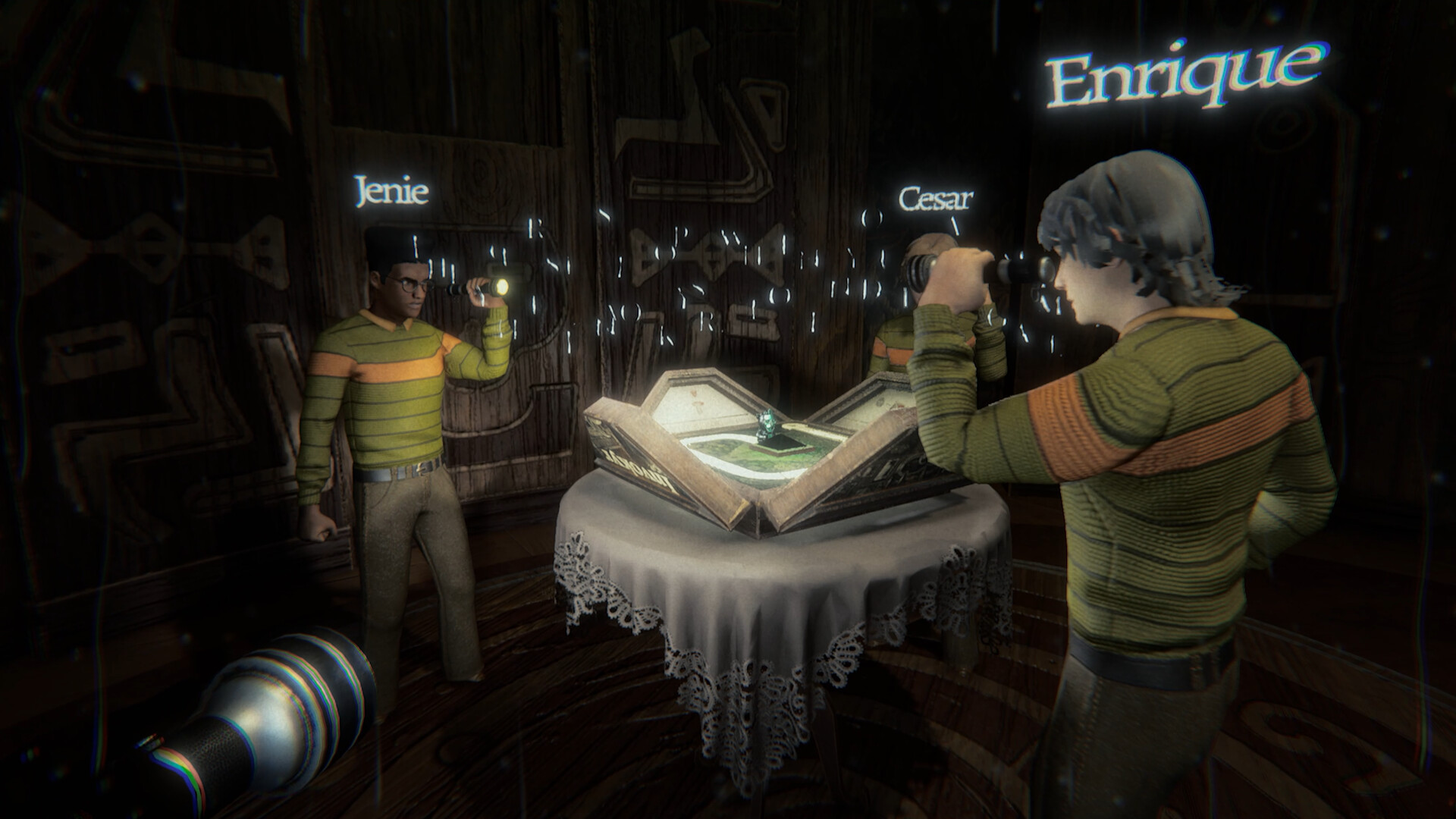
Use the built-in shop for customization
Invokyr's supported customization route is its built-in shop, which offers equipment, furnishings, wallpapers and clothing colors. For cosmetic changes, buy wallpapers from the shop's back wall or use the hanging clothing rack to change sweater colors.
The official storefront description and published Early Access roadmap do not identify an official mod SDK, downloadable mod support or a game-specific Steam Workshop for mods. That does not establish that every external modification is unsupported. For the customization route described here, use the shop inside the game.
Start with the main game's unlocked shop
These instructions concern the built-in shop in Ludogram's Invokyr on Steam. Invokyr also offers a separate Steam demo, so check which product you are playing before applying instructions written for the main game. Follow the wallpaper and clothing steps once you have unlocked the shop.
Find wallpapers and change sweater colors
- Go to the unlocked shop's back wall to find wallpapers available for purchase.
- Buy your preferred wallpaper from the back wall, using the costs below to plan the purchase.
- Use the hanging clothing rack to change your sweater color, choosing a standard color or the gold sweater according to your budget.
Compare cosmetic costs before spending
| Cosmetic | Cost in in-game currency |
|---|---|
| Wallpaper | 200 |
| Standard sweater color | 25 |
| Gold sweater | 1,500 |
A standard sweater color costs less than a wallpaper or the gold sweater. If you mainly want a clothing change, compare the standard colors before committing to gold. Choose the cosmetic you want before spending on several different options.
Plan cosmetic purchases around save resets
Cosmetics must be repurchased after a save reset. If you already intend to reset your save, consider postponing cosmetic purchases until afterward. Budget for the wallpapers and sweater colors you want again rather than assuming your earlier purchases will carry over.