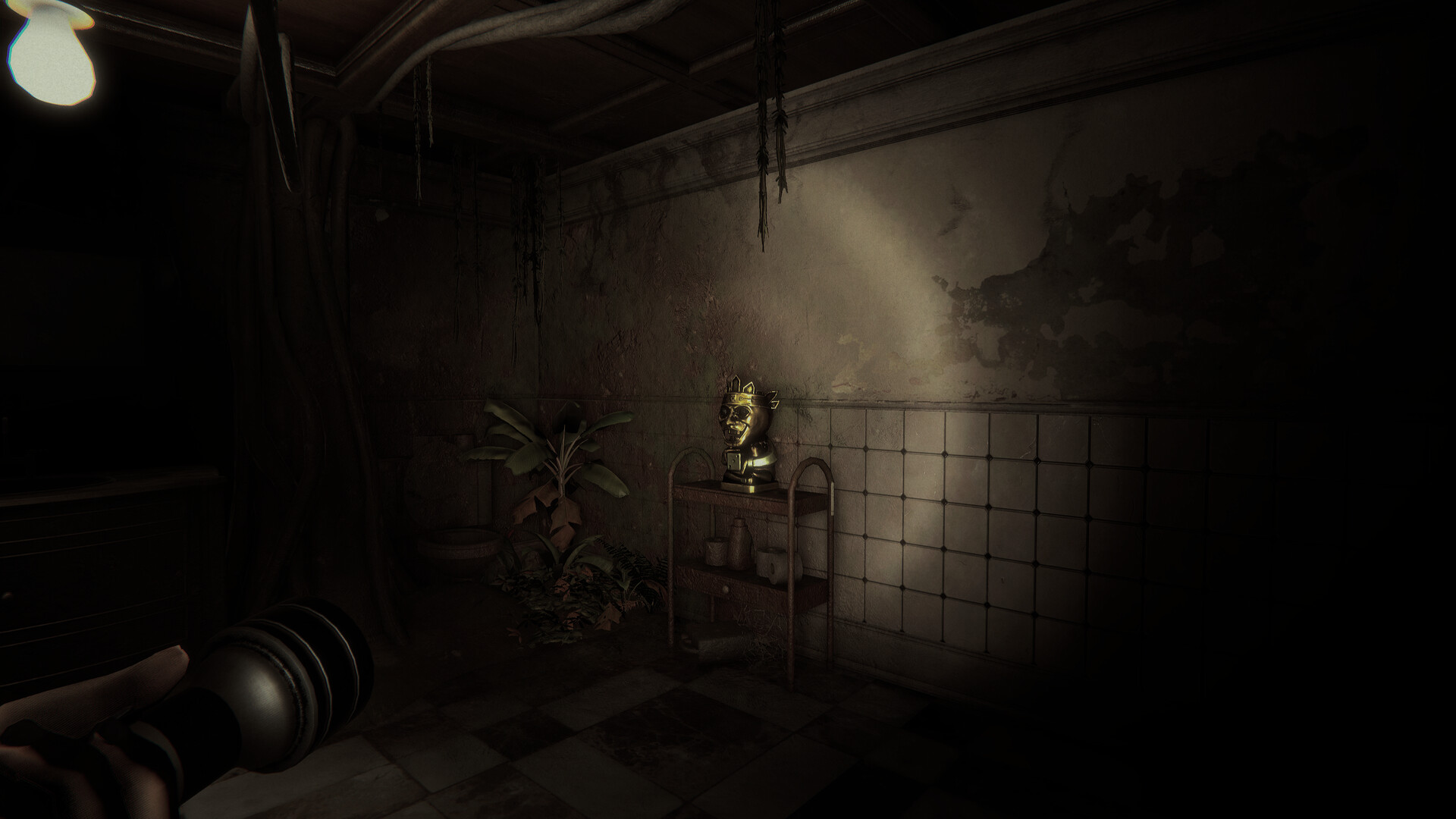
Invokyr access and setup at a glance
Invokyr is available in Steam Early Access for Windows PC, with online co-op for up to six players and a separate free demo for up to four. Early Access began on October 8, 2026; the US Steam regular price is $12.99, with an introductory price of $9.74 during the promotion ending October 22, 2026.
Get the demo or buy the Early Access game
- Choose between the free demo and the paid Early Access game. They have separate Steam listings for Windows PC, so decide which product you want before starting a download.
- Get Invokyr Demo from its Steam page and install the free introduction. Choose this option if you want to try Invokyr before deciding whether to purchase the Early Access game.
- Open the separate Invokyr Steam page to buy the Early Access game. Before purchasing for a group session, agree with your friends on which product everyone intends to play and check the price shown in your own storefront.
Compare the demo with Early Access
| Invokyr Demo | Invokyr Early Access |
|---|---|
| Free to download from Steam. | Paid purchase. US regular price: $12.99; introductory price: $9.74 during the 25% promotion ending October 22, 2026. |
| Solo play or online co-op for up to four total players. | Solo play or online co-op for up to six total players. |
| A smaller introduction to Invokyr. | Four launch board themes, progression between boards, and a broader selection of monsters and events. |
| A separate demo listing on Steam for Windows PC. | A separate Early Access game listing on Steam for Windows PC. |
Download, multiplayer, release and price answers
- How do I get the demo, and what does buying the game add?
- Install Invokyr Demo for free from its separate Steam page. The demo is a smaller introduction with online co-op for up to four players. Buying the Early Access game gives you support for up to six players, four launch board themes, progression between boards, and a broader selection of monsters and events. Try the demo if you want a taste before choosing the paid release.
- Can I play with friends, and how large can the group be?
- Yes, the paid Early Access game supports solo play and online co-op for up to six players in total. That means you can play with five friends. The free demo supports solo play and online co-op for up to four total players. When arranging a session, use the limit for the product your group intends to play.
- When did Invokyr release, and what is planned next?
- Invokyr entered Steam Early Access on October 8, 2026. Its update history includes Patch V0.44.10, announced on October 12. Ludogram expects Early Access to last approximately one year, but says that timeframe can change. Planned additions include boards, monsters, events, dice, items and narrative content, so treat the estimated duration as flexible when deciding whether to buy during Early Access.
- Which platform and storefront should I use?
- Use Steam on Windows PC for Invokyr or the separate free Invokyr Demo. Ludogram's platform information also identifies PC through Steam. Before downloading, compare the Windows requirements with your computer and make sure you have opened the listing for the product you want to play. If you are helping friends get started, send them the relevant product page so everyone can choose their download.
- How much does Invokyr cost, and is any version free?
- The regular US Steam price is $12.99, with an introductory price of $9.74 during a 25% promotion ending October 22, 2026. Prices in other regions may differ. Invokyr Demo is free, while the Early Access game requires a purchase. Check your own Steam storefront before paying, especially if you are comparing prices with friends in another region.
- Where can I find other people to play Invokyr with?
- Look in Invokyr's Steam General Discussions for player-organized group-finding threads where people offer to add one another. Ludogram also shares an invitation to its Discord. When looking for teammates, say whether you want to play the demo or the paid Early Access game. Include what kind of session you want and when you can play so others can decide whether to join you.
- What should I check on my PC before buying?
- The paid game's Windows minimum requirements include 64-bit Windows 10, 16 GB RAM, DirectX 11 and 5 GB of available storage. The listed processor choices are Core i5-7500 or AMD Ryzen 5 1600, with Nvidia GeForce GTX 1650 or AMD Radeon RX 580 graphics. A broadband internet connection is also listed. Compare these requirements with your computer before purchasing, and have each friend do the same before arranging a session.